Not to toot my own horn, but most of the mathematical concepts covered in this book are things that I already knew. It’s enjoyable to read, but it felt like a superficial tour of the most famous ideas in math and physics. When we reach the latter topics (e.g. relativity, string theory), the connection to the original focus on zero becomes a bit tenuous.
I had one big problem with this book. It repeatedly insists that the West rejected the idea of zero for much of history, while the East accepted it much earlier. But then, most of the book is about Western mathematicians and philosophers, while the East only gets a few pages. If the book is supposed to be about zero, it needs to give us more details about the ideas that the East developed.
I came to this via the rabbit hole of vocal coaches on YouTube analyzing singers’ performances. “Never Enough” from the soundtrack of The Greatest Showman is apparently a good showcase for vocalists because it has a lot of big notes. I liked the song so checked out the movie.
The character of P.T. Barnum is kind of a jerk… he commits fraud to get a bank loan, he’s mean to his employees, and he abandons his family. The movie plays this with an “aw, shucks, whoopsies” kind of tone, like we’re supposed to root for him just because he does a song and dance. The most egregious scene suggests that he treats his sideshow “freaks” as equals, whereas, just a few scenes earlier, there’s a whole song sung by the bearded lady and her colleagues after being rejected from a party by Barnum.
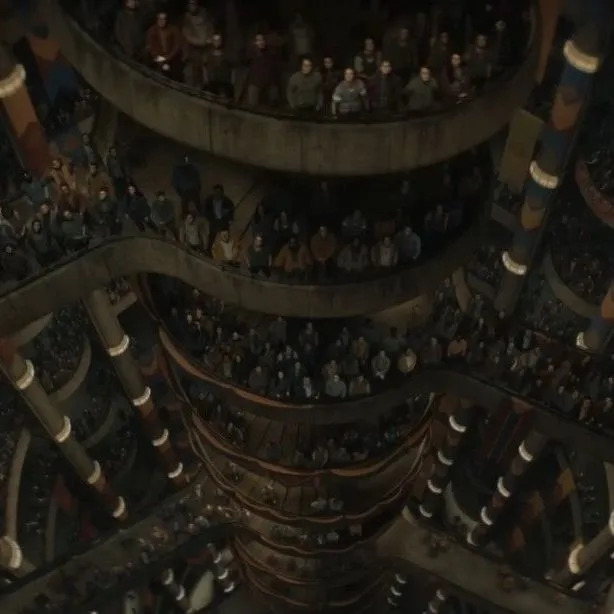
The premise and visual design of this show intrigued me enough for me to give it a watch. It takes place in a multi-level underground bunker, where the members of the population are not allowed to go out. The look of the show reminds me of the Fallout video games.
This show started off strong. The third episode is a standout, creating white-knuckle suspense from an engineering/mechanical problem. Unfortunately, beyond that episode, after the main character becomes the sheriff of the silo, it becomes a bit of a slog. She becomes fixated on the mystery of her lover’s death, which is only peripherally related to the mysteries that we as viewers want to solve: namely, what the heck is up with this silo, anyway?
An improvement over the first entry, mostly because the cast of characters is more diverse. The core characters that span both books (the crew of the Rocinante) are growing on me, which is what you want in a spacefaring series. If you’re looking for more heady ideas, or a more thematically rich story, this isn’t it. This is more like an action thriller than an intellectual exploration.
In my opinion, this movie spends most of its runtime on the least interesting part of the story. What fascinated me was the scientific and technological developments in creating the bomb. On multiple occasions, supporting characters say how important and brilliant Oppie is, but the film doesn’t let him demonstrate it. Instead, it’s more concerned with the question of whether he is a Communist. On a script level, I respect the interweaving timelines, framed through hearings and interrogations, because I know it’s difficult to pull off. But I kind of wish the movie had been less complex, and more deliberately paced, so that we could a) see the science happen, and b) sit with the moral questions that it raises.
P.S. I think that The Social Network is the superior “flashbacks via hearings” movie.
In this book, you read short stories from legendary Russian writers, followed by an analysis of the story by George Saunders. What’s cool is that you get great writing from the stories, and then you get great writing about why it’s great, from Saunders.
I only hope that I’m able to apply the lessons learned here to my own writing. I think my biggest takeaway is the idea of ambiguity: inexperienced writers like myself have the tendency to try to make a clear point in their writing, whereas the strength of these stories is their openness to be interpreted in many ways. That’s probably a lesson that I knew before, but it comes through so much brighter here under Saunders’s guidance.
I have a clear memory of watching this movie in theatres in 2002. At the time, I was living in my parents’ house and we had houseguests, which meant that I had to surrender my room and sleep in the then-unfinished basement. That night after watching Signs, I wished I had my own room, and I was glad when our dog joined me in the dark.
Even though I haven’t rewatched it in at least 15 years, the film still felt familiar. It’s not as scary as that first time, because I think the construction and rhythm of the set pieces have left an impression on me like a memorable song. The script may be a bit overcooked, but the humour and familial sweetness work for me because of the performances.
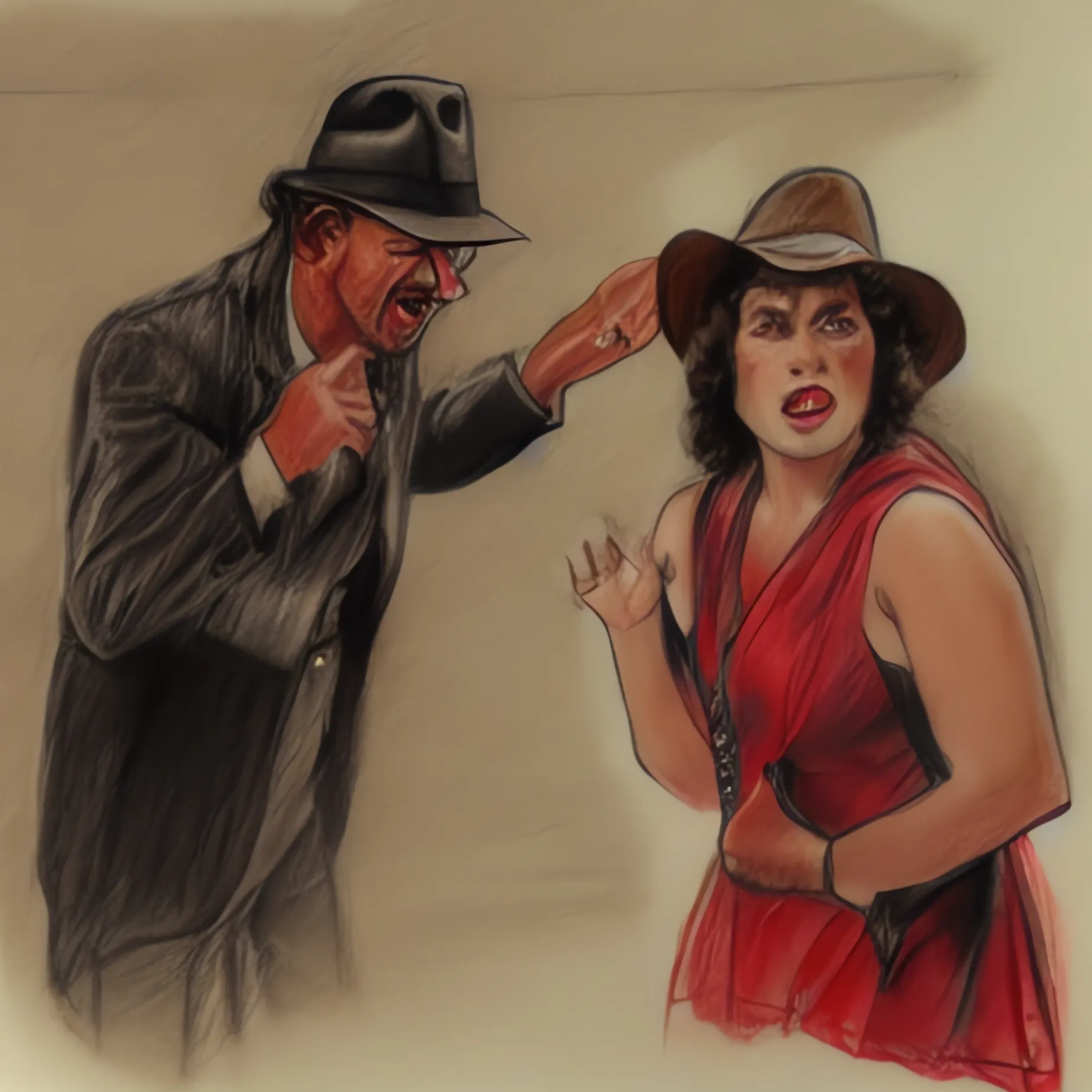
I rewatched these for the first time in a while because Dial of Destiny is in the cultural conversation, and my wife had not seen the originals before. You know what? I know this is a beloved character and series, but I have to say… not really my thing. Of the three1, I like The Last Crusade the most. The Connery-Ford comedic chemistry goes a long way, and the final series of “puzzles” is genuinely cool.
Other than that, there’s a lack of character development—his only trait is that he’s always brave—and I found it annoying that his romantic relationships are all based on bickering and hostility.
I’m not covering Crystal Skull because I don’t want to subject myself to that again, and I’m honestly not sure if I’ll ever catch up with Dial of Destiny. ↩